Live Streaming Basics for Beginners: Your Guide to Going Live on Livio

Livio Team
Practical, fact-checked tips on video chat, safety, and meeting people online.
In this article
Stepping into live streaming might seem intimidating, but with Livio, it's surprisingly simple. Whether you want to share your talents or connect with new audiences, this guide will walk you through setting up and starting your first live stream with confidence.
Essentials for Starting Your Live Stream
Beginning your live streaming journey requires just a few key tools. A stable internet connection is a must to ensure smooth streaming without interruptions. Livio's platform is designed to deliver your content seamlessly to your viewers.
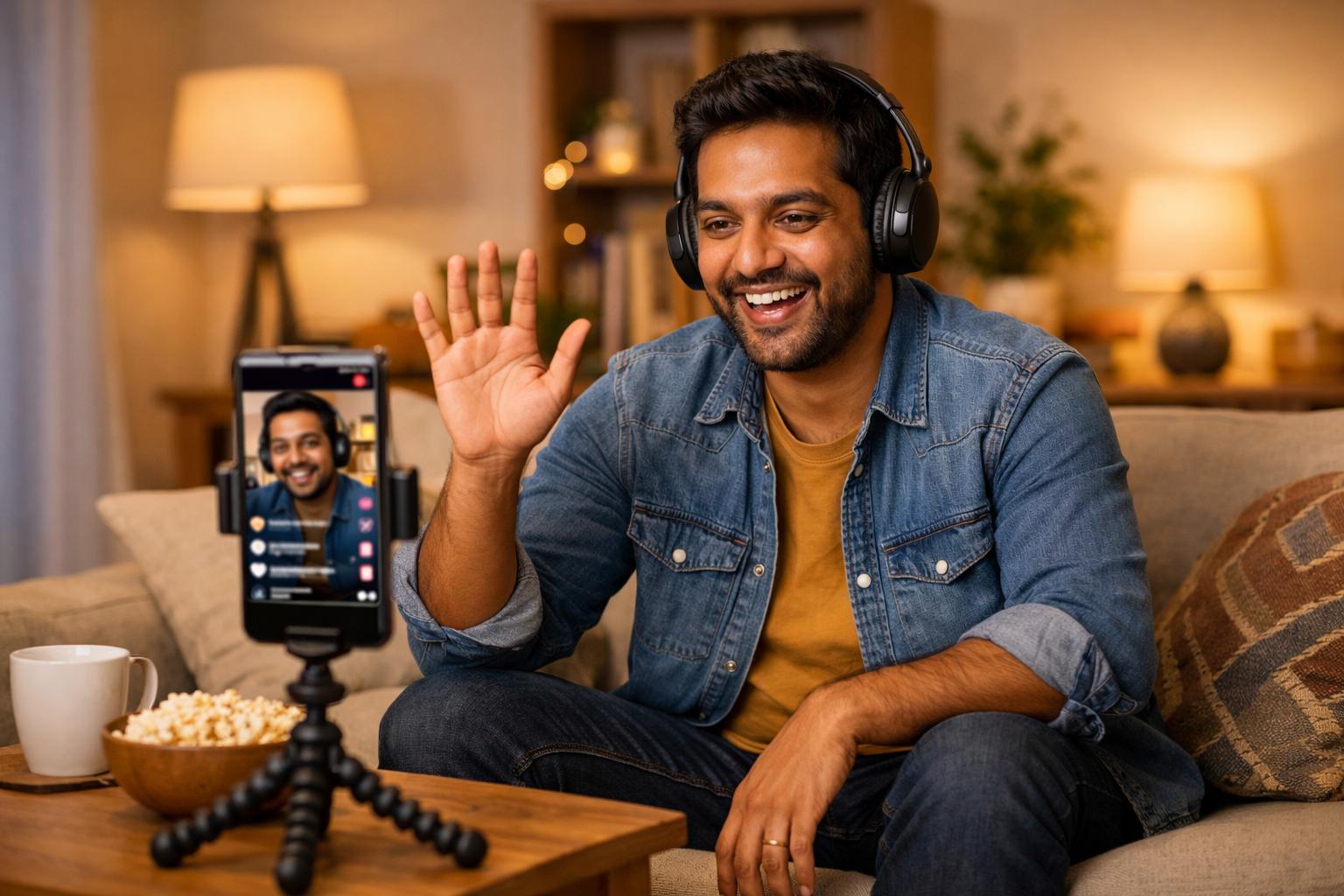
Your device—be it a smartphone, tablet, or laptop—needs a camera. Ensure it's positioned well with adequate lighting. You don’t need professional equipment; natural light or a basic lamp can enhance your visibility.
How to Set Up Your Livio Stream
Here's how you can start streaming on Livio:
- Open the Livio app: Head to the live streaming section.
- Check your settings: Ensure your camera and microphone are enabled. A quick test can prevent technical issues.
- Create a title: An engaging title can attract viewers. Be specific about what they will experience.
- Go live: Tap the button and begin your stream! Livio’s user-friendly interface helps you manage and interact with your audience easily.
Interacting with Viewers
Engagement is crucial during your live stream. Welcome your viewers and encourage them to contribute through comments or questions. This not only enlivens the session but fosters a community feel.
Consider setting aside time for a Q&A. This allows for direct interaction and turns passive viewers into active participants. The goal is to create an environment where viewers feel included.
Maintaining Safety While Streaming
Livio prioritizes your safety. If you encounter any negative behavior, use the one-tap block/report feature to maintain a positive environment. Livio’s real-time moderation also helps keep interactions respectful and secure.
With Livio, live streaming becomes more than just broadcasting; it's about sharing your world with others. Whether you’re showcasing a talent, exploring a topic, or simply connecting, each stream lets you reach out and grow. Embrace the opportunity to connect with your audience by going live today.
Conclusion
Enter the exciting realm of live streaming with ease using Livio. Equipped with these beginner tips, you’re ready to explore a dynamic way to connect with people across the globe. Whether during a free moment or a relaxed evening, Livio lets you share your story effortlessly. Start streaming today—your audience awaits!
Frequently asked questions
What equipment do I need to start live streaming?
You need a device with a camera, such as a smartphone or laptop, and a stable internet connection. Good lighting, like natural light or a simple lamp, also helps.
How do I begin a live stream on Livio?
Open the Livio app, navigate to the live streaming section, check your settings, choose a catchy title, and hit the 'Go Live' button.
How can I engage viewers during my live stream?
Interact with your audience by greeting them, encouraging comments and questions, and possibly including a Q&A segment.
Start Making Friends on Livio
Meet new people through live video chat, or talk to 100+ fun AI characters. Free on Google Play.
Download on Google Play